
Selecting/Switching Application Criteria
Selecting an Application Criteria
Section titled “Selecting an Application Criteria”Begin by initiating the Application process through the IAQG Authentication Status page by clicking the “Apply Now” button. You must have successfully completed any required IAQG sanctioned training and examinations to access this option.
Whenever multiple application criteria are available, IAQG Authentication will present a “Select Your Application Track” dialog after you finish entering your billing details, as shown below:
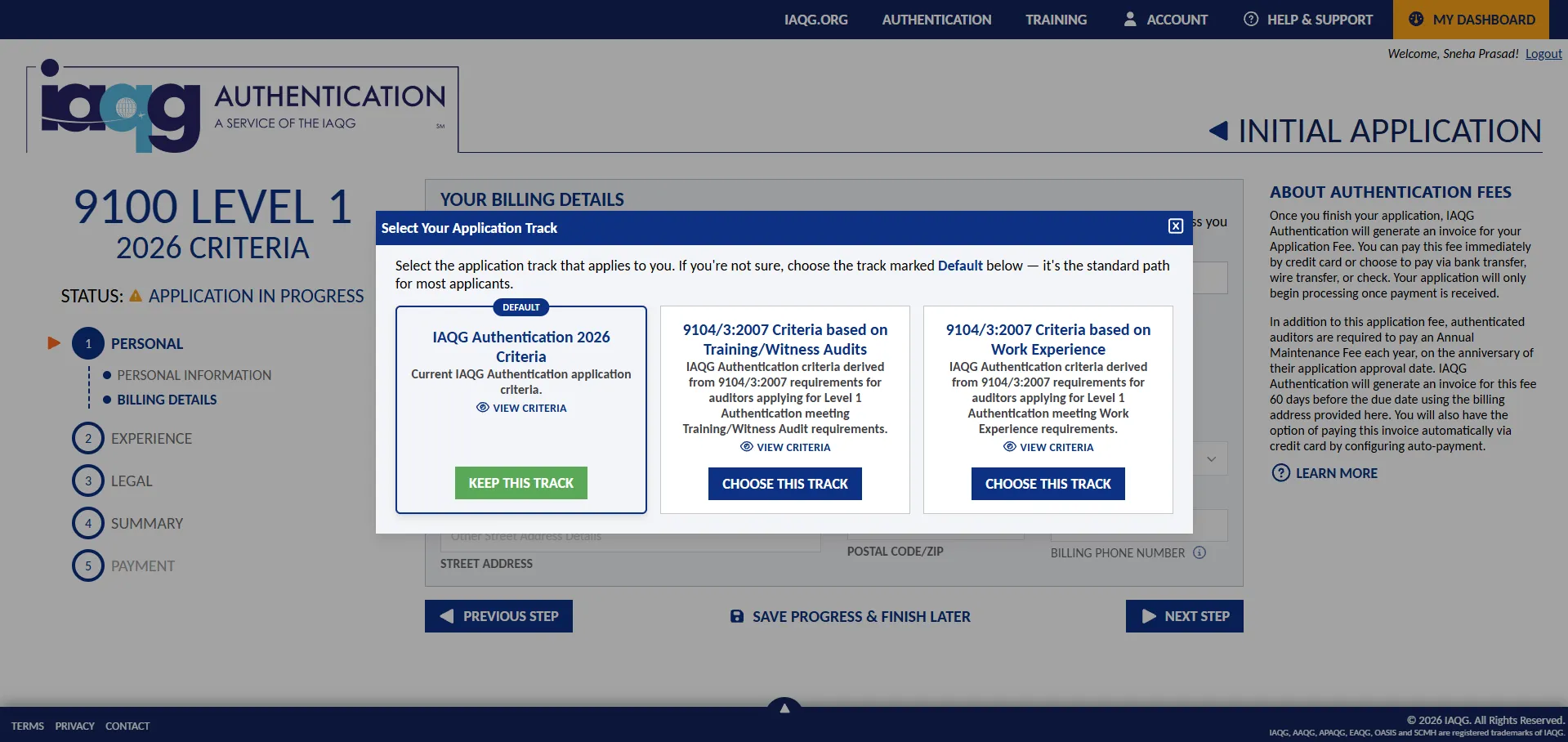
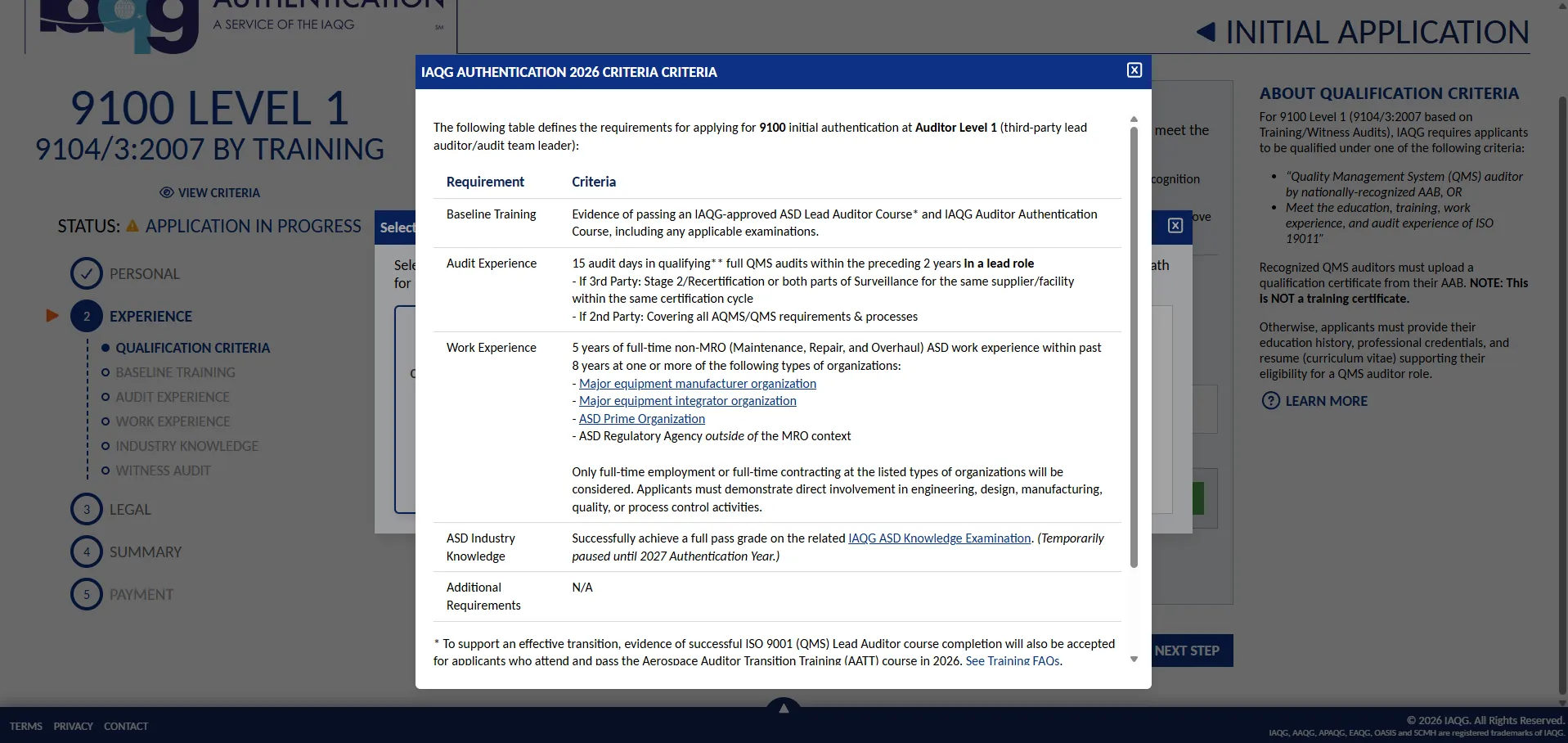
Click on the “View Criteria” button to review the detailed requirements.
In the selection window, click on the “Choose this track” option to change your Application Criteria, or the “Keep this track” option to continue with the default application criteria.
Changing your Application Criteria
Section titled “Changing your Application Criteria”Whenever multiple application criteria are available, you can change your application criteria at any time before submitting your application. You may also be allowed to change your application criteria when permitted to amend your application by IAQG Authentication staff.
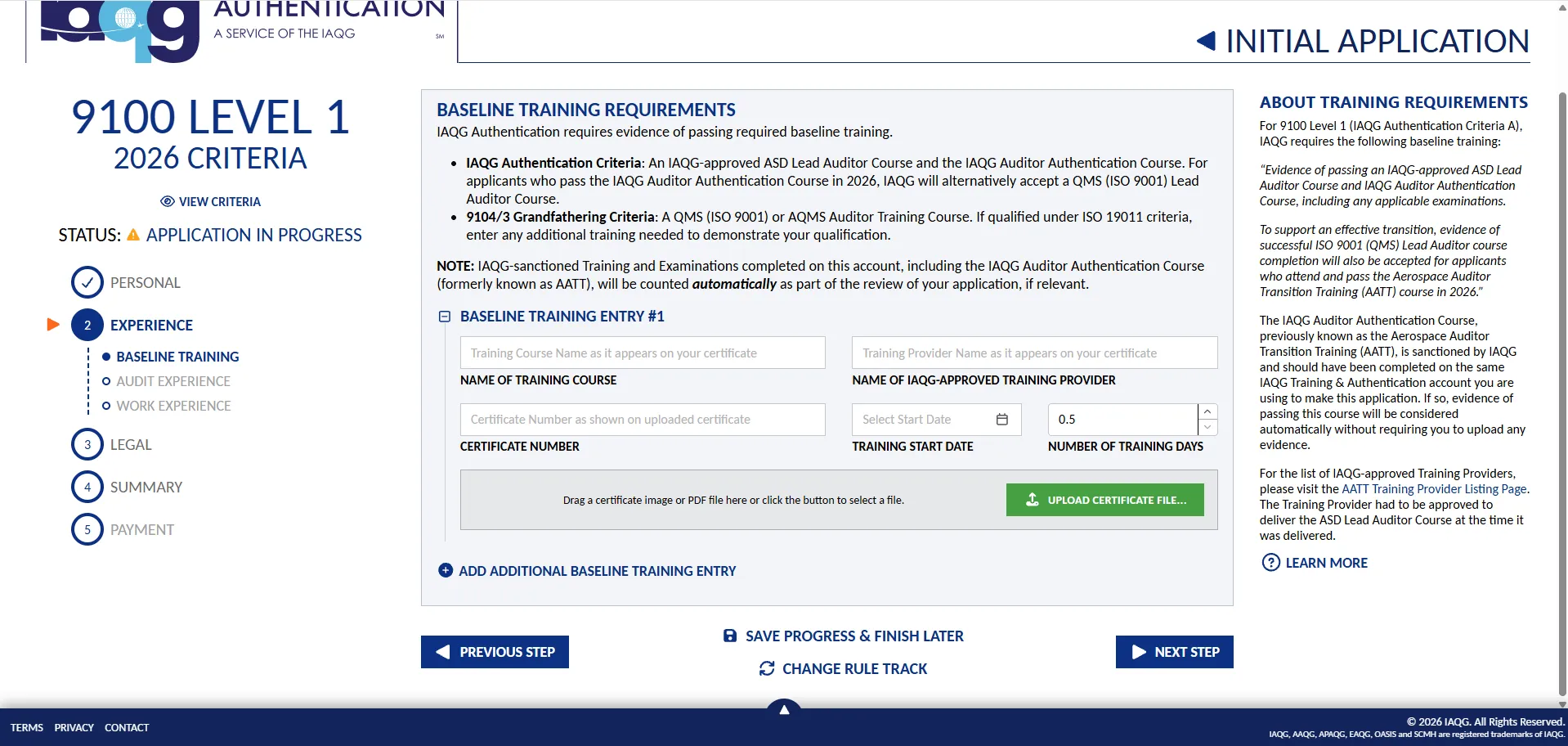
To change your application criteria, advance to the “Experience” section of the application (after the Personal Information and Billing Details steps), and then click the “Change Rule Track” button at the bottom of the screen.

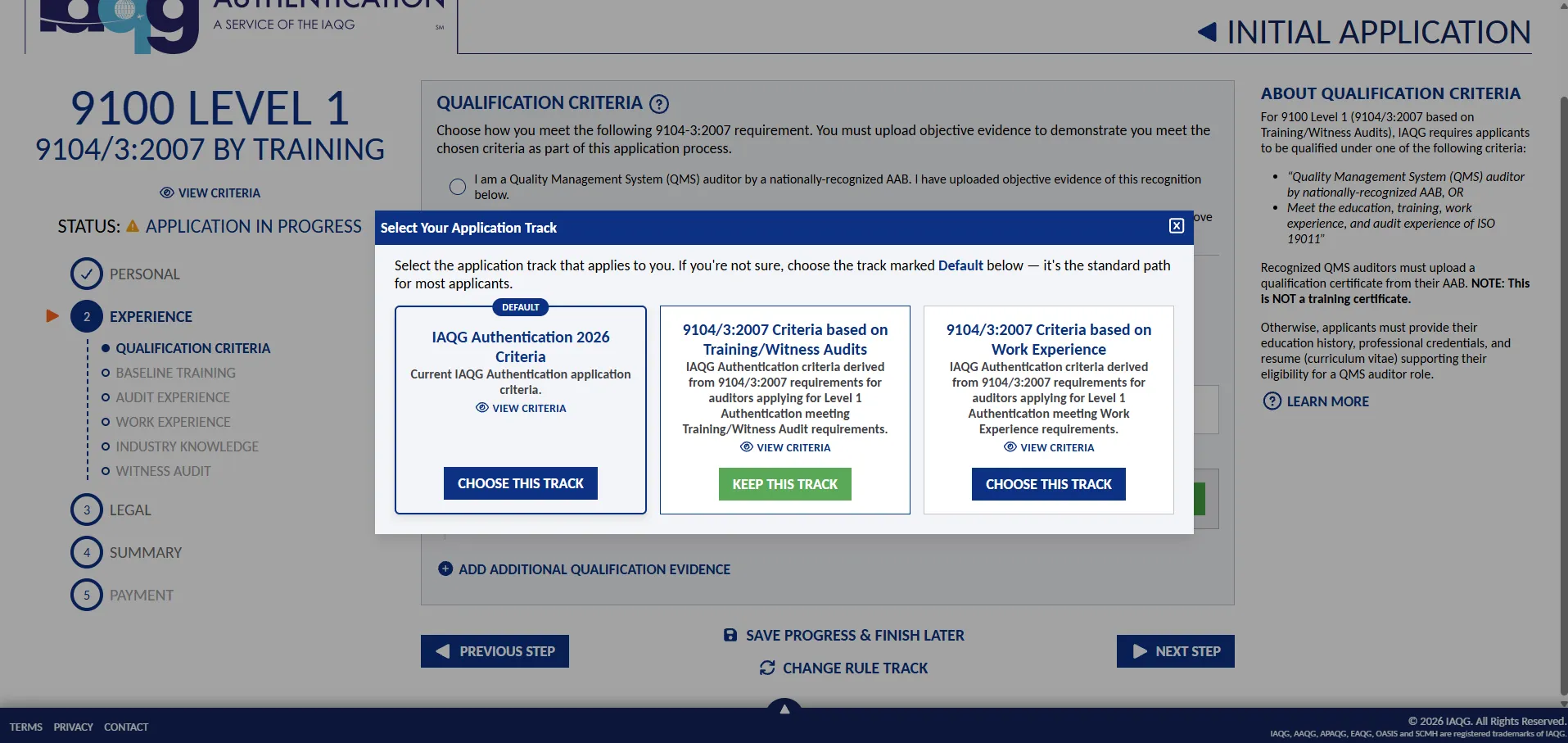
You can then review your current application criteria (“track”) with the option to choose a different available option.
If you choose to change your application criteria, some sections of your application may be reset if they are no longer compatible with the chosen criteria. You will receive a warning as follows:
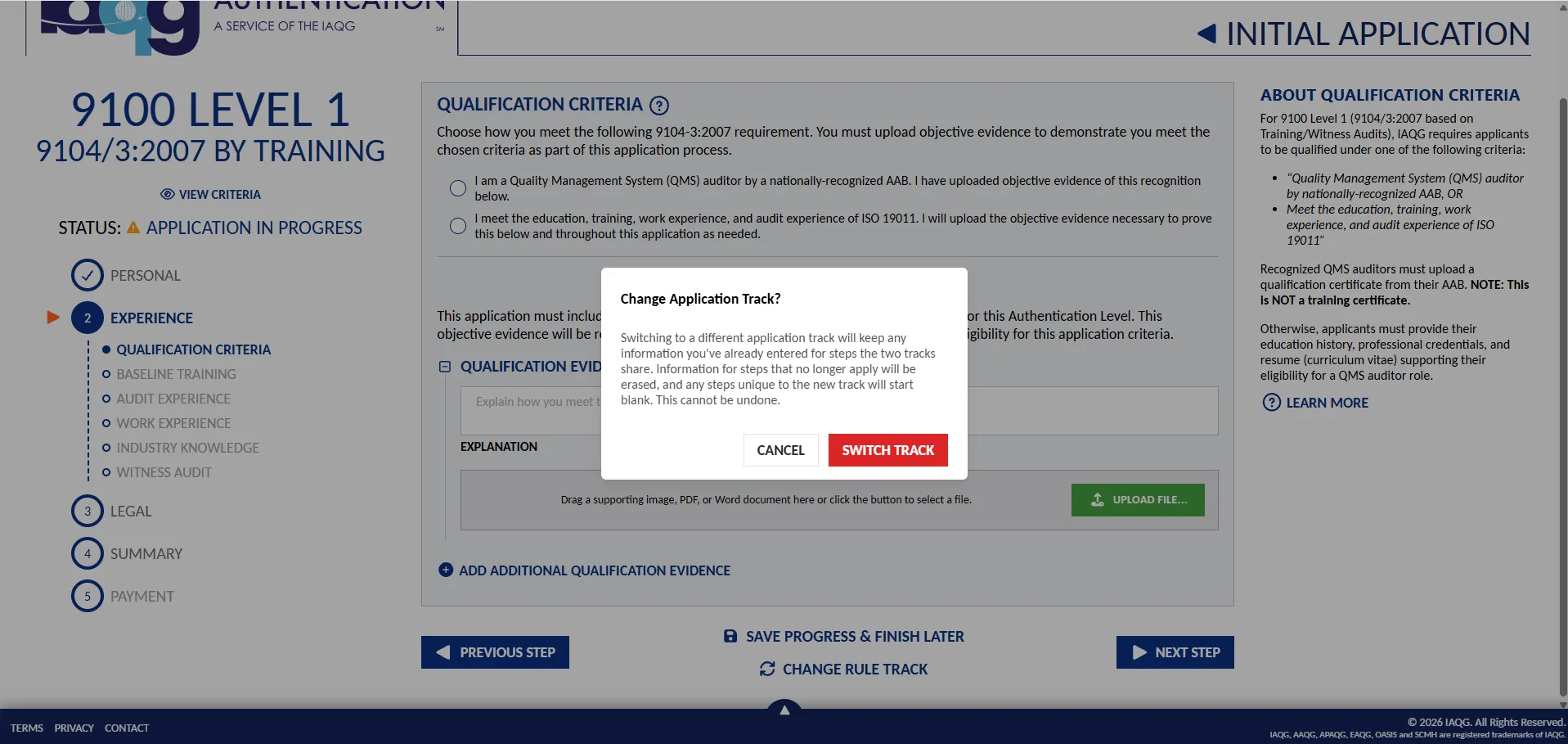
You will then be navigated back to the beginning of the “Experience” section of the application to review your application details and enter any information required for the new application criteria.